New to NAMX? A Broker's Guide to Your Partner Portal
July 15, 2026 · 4 min read · NAMX Partner Team
Welcome to NAMX. As a partner broker, you get a dedicated portal — your dashboard — that puts quoting, submission tracking, renewals, and your commission in one place, all co-branded to your agency. This guide walks you through it so you can hit the ground running on day one.
Getting in. After you sign your partner agreement, you'll receive an email invitation to set up your login. Once you're in, bookmark your dashboard — it's the home base for everything below. From the top navigation, choose 'Broker Portal' (or 'My Dashboard') to land on your book at any time.
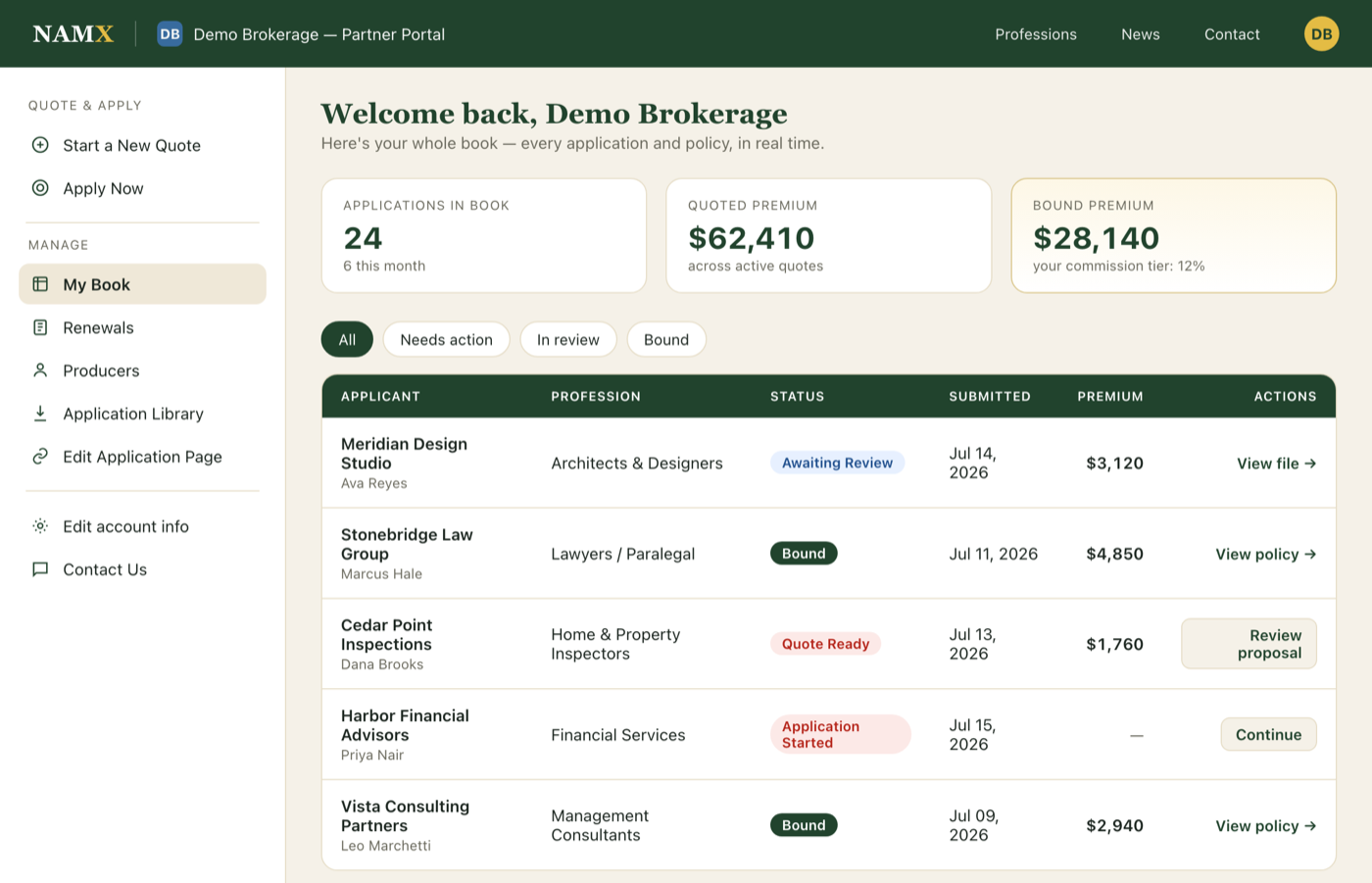
Your dashboard at a glance. The main view lists every application and policy in your book, with the current stage of each — from a started quote, to submitted, to a proposal awaiting signature, to bound. Quoted and bound premium totals sit up top so you always know where your book stands. The left sidebar is your toolbox for everything else.
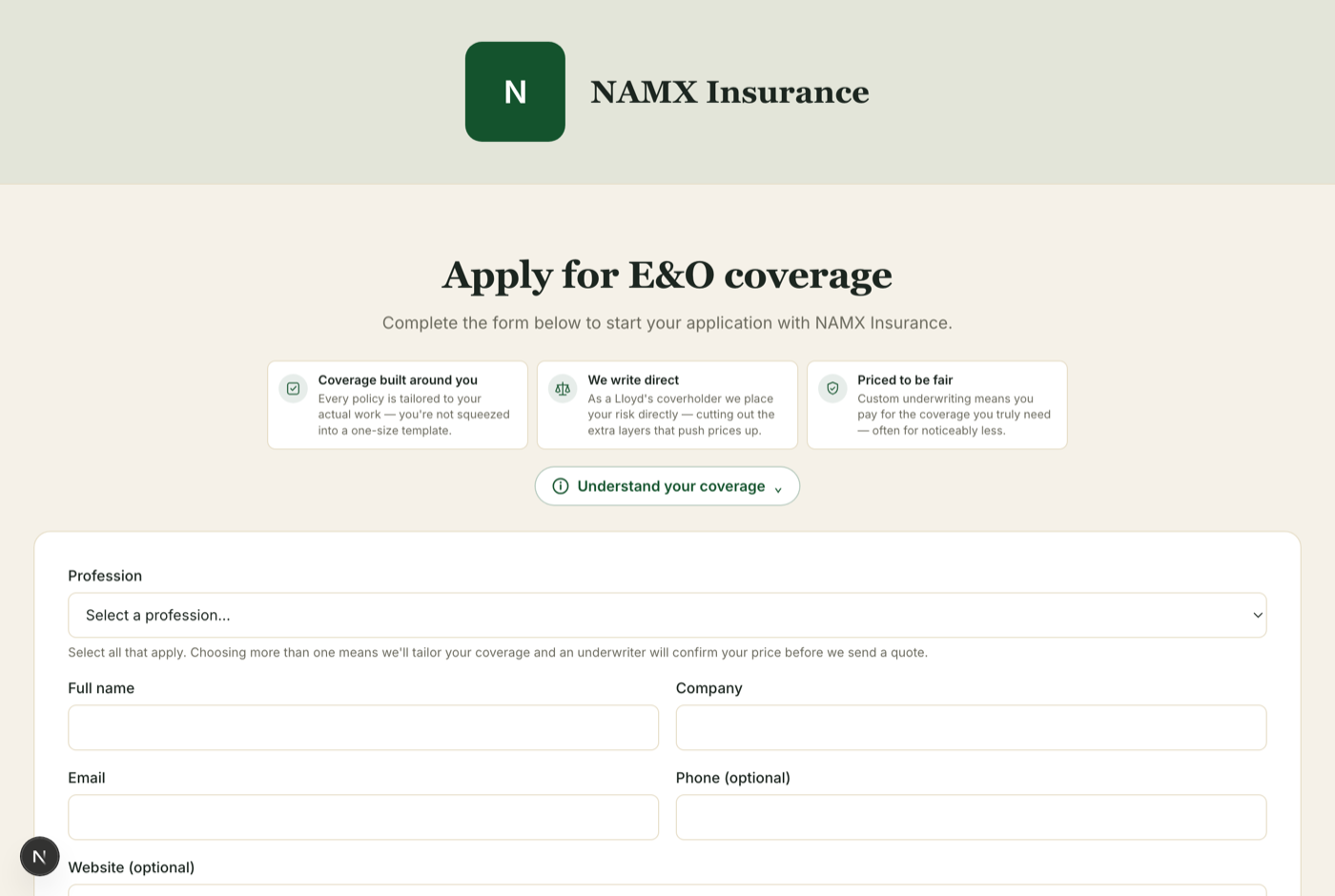
1. Your co-branded application page. Under 'Edit Application Page' you can upload your logo and set your brand color, then copy your custom application link (there's a printable QR code, too). Every client who applies through that link is automatically attributed to you — and the page carries your branding, not a generic one. You can also add a short promo message to advertise a perk or discount to your clients.
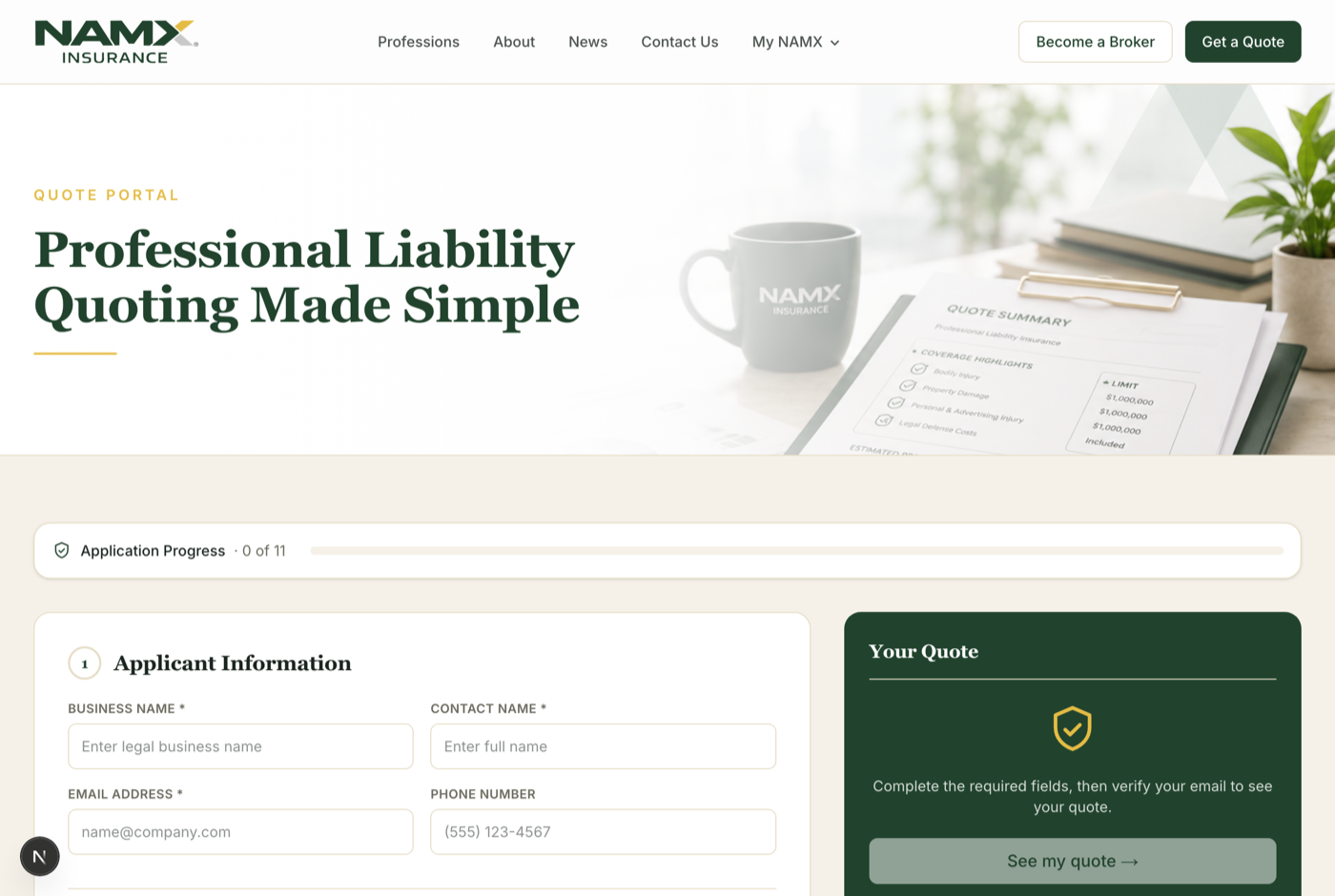
2. Quoting and applying. 'Start a New Quote' opens the quote tool already attributed to your agency; 'Apply Now' opens the full white-labeled application. Because NAMX is a Lloyd's of London coverholder writing direct, most professions get a real, custom-underwritten indication in minutes — not a generic estimate.
3. Following each client through. Each row has stage-aware actions: continue an unfinished application, review the proposal and documents, or view the bound policy. You can open your own client file to track emails and documents, see exactly what the client sees, and email a client directly from the dashboard — attaching the right stage documents automatically.
4. Renewals, commission, and your team. 'Renewals' surfaces policies coming due so you can send a pre-filled renewal application in a click. Your commission tier and book totals are always visible, and agency owners can add producers under 'Producers' so their submissions roll up to your agency. Need to update your company details? 'Edit account info' lets you keep your name, contact, and website current.
5. Reference material. The 'Application Library' has a blank, fillable application for every profession, and 'Review Professions' shows exactly what NAMX writes. Everything you send clients stays on-brand and up to date.
The whole point of the portal is speed and ownership: your clients see your brand, you see your whole book in real time, and specialized coverage is only a few minutes away. If you ever get stuck, 'Contact Us' in the sidebar reaches our partner team directly — we're glad to walk you through anything.
Every tool at a glance. Here's each part of the portal and what it does for you.
Your toolbox
Every part of the portal, and what it does for you.
Start a quote
A real indication in minutes, then straight into the application.
One starting point, already attributed to your agency. Answer a few questions and — because NAMX is a Lloyd's coverholder writing direct — most professions get a real, custom-underwritten premium in minutes, then flow right into the full application.
Your co-branded page
Your logo, colors, and custom link — clients land on your brand.
Under 'Edit Application Page,' upload your logo, set your brand color, add a promo message, and copy your custom link or QR code. Every client who applies through it is automatically attributed to you.
Your book
Every application and policy with its live stage.
The main table shows each client's stage — quote, submitted, proposal, payment, bound — with quoted and bound premium totals up top. Each row has one clear primary action, plus a tidy 'More' menu for everything else.
Client files & email
Track, email, and see exactly what your client sees.
Open a client's file for their full email + document history, email them directly (the right stage documents attach automatically), and preview their exact view — so you're never guessing where things stand.
Renewals
Send a pre-filled renewal in one click.
Policies coming due surface automatically. One button both starts the renewal — last year's answers already filled in for the client to confirm or update — and emails it to them, with an optional note.
Premium payments
Clients pay securely by card or bank transfer.
When a policy reaches the payment stage, your client pays the full premium securely by card or ACH from their own portal — and the policy is issued automatically the moment it clears.
Claims
File a first notice of loss in seconds.
On any bound policy, file the first notice of loss — cause, date, a short description — right from the dashboard. NAMX's team takes it from there.
Commission
Your tier and totals, always in view.
Your commission tier and book totals are visible at all times, and your rate climbs automatically as you place more business.
Producers
Add your team; control what they see.
Agency owners add producers under 'Producers.' Each gets their own login, and you decide whether they see the whole agency book or only their own clients.
Library
Blank applications and reference material.
A blank, fillable application for every profession, plus 'Review Professions' so you always know exactly what NAMX writes.
Ready to protect your practice?
Get a specialized E&O indication in minutes.